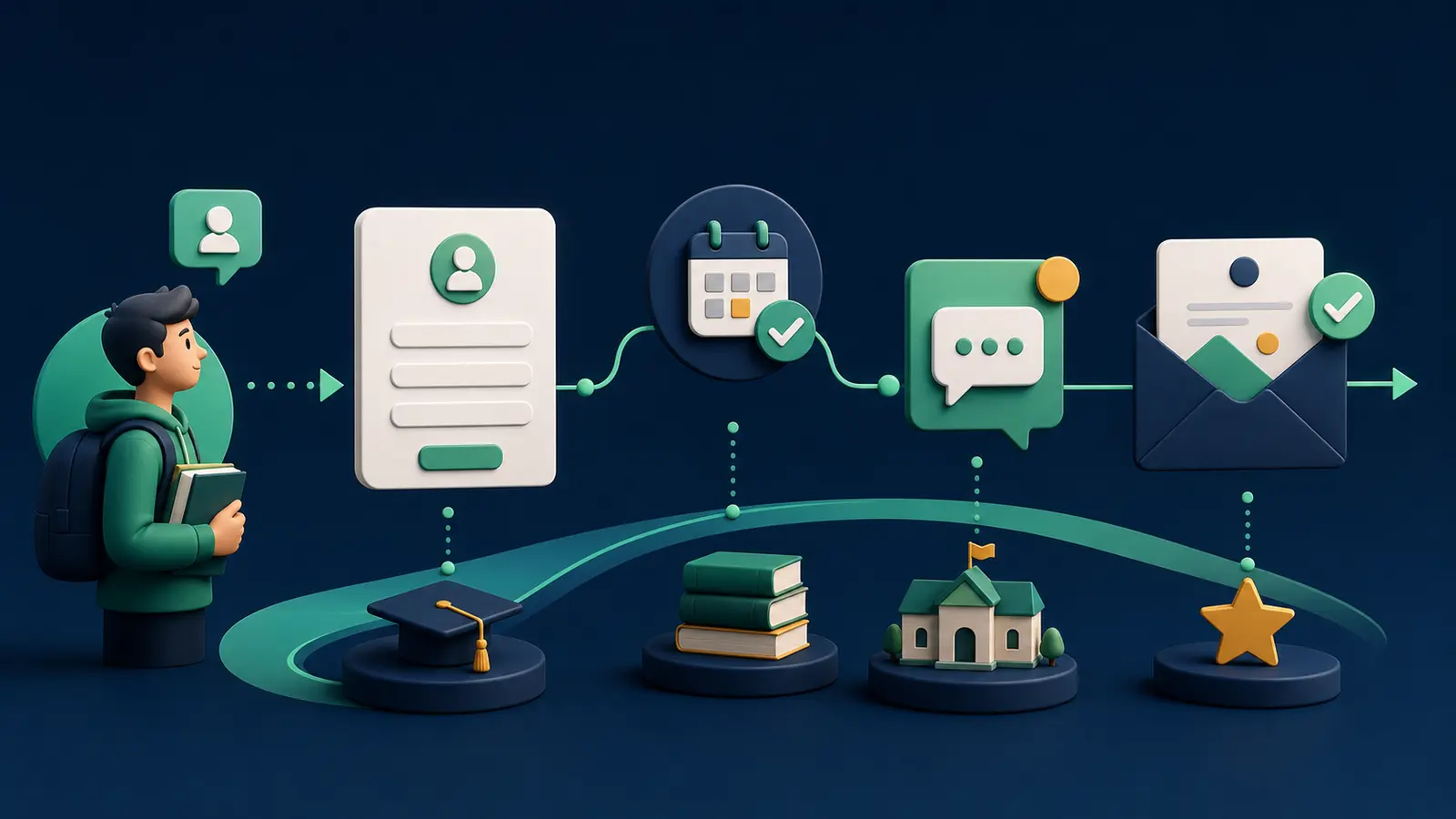
A learner or guardian who asks about admission usually needs clarity on program fit, schedule, fees, location, and deadlines. Repeating the same brochure is not nurture. Bartago can capture source and program interest, route the lead by tag or list, acknowledge the inquiry, notify a counsellor, send a useful information email, and schedule a deadline reminder. Because a recipient may be a minor, the institution must define guardian contact, age-appropriate content, consent, and data-access policy.
Build a program-specific form
Do not put every course into one journey
Collect program, preferred batch, current stage, and contact preference. Keep academic documents or sensitive details out of the first marketing form and move them into a secure admission process.
Answer the question behind the inquiry
Do more than broadcast a brochure
Interest tags for fees, schedule, or curriculum can route a relevant FAQ email. Once counselling is booked, pause generic nurture and start an appointment reminder.
- Program tag
- Guardian or learner context
- Counselling event
- Authoritative deadline
- Enrollment stop
Change the journey after enrollment
Move from lead to student lifecycle
An enrollment event should stop nurture and add the person to onboarding. Rejected, deferred, and no-response are separate states, not reasons for an indefinite promotional sequence.
Practical checklist
- Program-specific page
- Clear consent
- Age and guardian policy
- Counsellor ownership
- Enrollment event
- Stop states
Key takeaway
Education nurture works when it answers real questions and makes the counsellor conversation easier.
Final thoughts
Launch one program page with acknowledgement, FAQ email, and counselling reminder. Test duplicate inquiries, rescheduling, and the enrollment stop with a controlled learner or guardian path. Let the institution review policy and applicable requirements.
Verify consent, provider or carrier policy, and current applicable requirements before launching a campaign.
Start with 100 free automation credits →Common questions
Should every inquiry receive the same SMS?
No. Use program, stage, and preferred channel to deliver relevant information.
What if the student is a minor?
Follow the institution’s documented safeguarding policy for guardian contact, consent, access, and message content.
Sources and editorial note
Last editorial review: August 1, 2026. Legal and policy sections are general information, not legal advice. Verify current requirements with official sources and a qualified adviser.