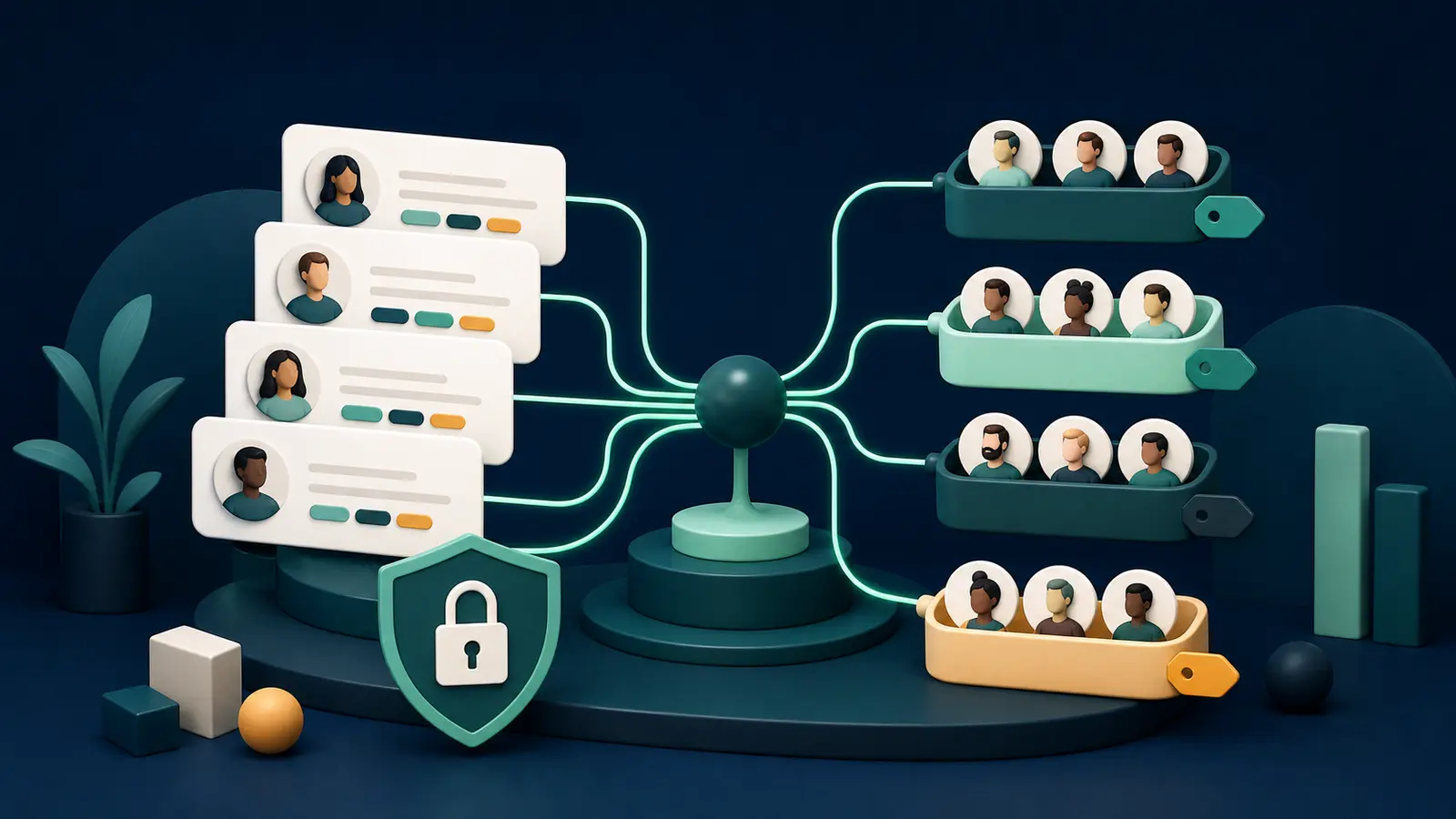
A large contact list is not automatically a marketing asset. Knowing which message is relevant to whom is the asset. Tags provide quick labels such as `lead:webinar`, `customer:repeat`, or `interest:apartment`. Segments combine those labels with fields, consent, and behavior to create a live audience. Bartago can add tags from form answers, imports, campaign clicks, and automation actions. Without naming rules, ownership, and expiration, however, the taxonomy quickly becomes cluttered.
Separate four kinds of tags
Source, lifecycle, interest, and behavior
A source tag records where the contact came from; lifecycle describes the current relationship; interest reflects a declared preference; behavior records an observed action. Avoid sensitive inferences and labels you do not need.
Keep segment rules readable
A marketer should understand the sample
Preview a rule such as “consented AND in Dhaka AND clicked in 30 days AND has not purchased.” Inspect include and exclude counts plus sample contacts before freezing the campaign audience.
- Document tag names
- Apply global suppression first
- Preview sample contacts
- Freeze campaign snapshots
- Expire stale behavior tags
Use tags to move the lifecycle
Actions should shape the next audience
Apply a lead tag after a form, a customer tag after a purchase webhook, and a re-engagement tag after meaningful inactivity. When a conversion occurs, remove obsolete nurture tags and stop conflicting workflows.
Practical checklist
- Tag dictionary
- Consent field
- Segment preview
- Exclusion rule
- Lifecycle transition
- Quarterly cleanup
Key takeaway
A tag is a label; a segment is a decision. Without governance, both create noise instead of personalization.
Final thoughts
Start with no more than 10–15 documented tags. Ask a second teammate to review campaign samples and exclusions. After the campaign, update useful behavior tags and remove labels that no longer explain an action.
Verify consent, provider or carrier policy, and current applicable requirements before launching a campaign.
Start with 100 free automation credits →Common questions
Can one contact have many tags?
Yes, but conflicts grow without naming conventions and ownership. Maintain a tag dictionary.
Can a segment change after sending?
A live segment can change; freeze a recipient snapshot for each campaign send.
Sources and editorial note
Last editorial review: August 1, 2026. Legal and policy sections are general information, not legal advice. Verify current requirements with official sources and a qualified adviser.