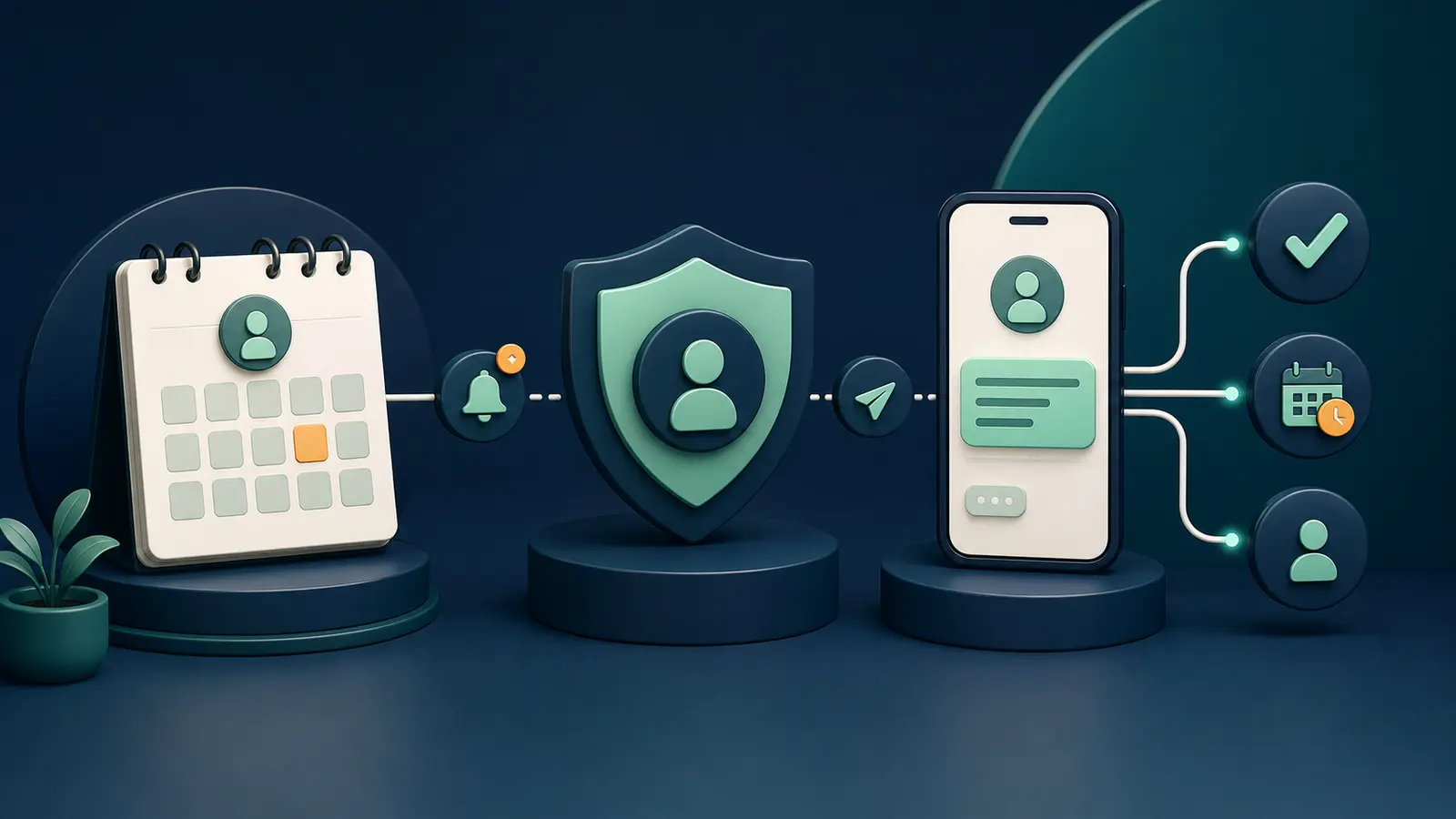
Appointment reminders can reduce missed visits, but health context is sensitive. A message may appear on a lock screen, so avoid diagnoses, results, or unnecessary treatment details in SMS. Bartago can turn a booking event into a confirmation, timed reminder, reschedule link, and visit-completed stop. Keep promotional consent separate from service reminders, apply role-based access, and retain only the contact history required for operations.
Write the minimum necessary message
Confirm identity without exposing detail
Clinic name, appointment date and time, plus a safe confirm or reschedule path may be enough. Review privacy risk before naming a sensitive department or procedure. Assume a phone may be shared and keep copy neutral.
Synchronize lifecycle events
Booked, changed, cancelled, and completed
The booking system should send each state with a stable appointment ID. A reschedule cancels the old reminder and creates a new one; completion stops anything still pending.
- Neutral message
- Opaque appointment ID
- Expiring secure link
- Quiet hours
- Role-based access
Separate service and marketing
Reminder context is not promotional consent
An appointment-fulfilment message and a future offer have different purposes. Respect channel preferences and do not use clinical context to build marketing segments.
Practical checklist
- Minimum data
- State synchronization
- Secure link
- Reschedule test
- Access control
- Separate marketing consent
Key takeaway
A clinic reminder is useful when it is timely, minimal, and state-aware—not when it contains more personal detail.
Final thoughts
Use a staff-owned number to test booking, rescheduling, cancellation, and completion. Review the lock-screen preview and validate access and retention with clinic policy and a qualified adviser.
Verify consent, provider or carrier policy, and current applicable requirements before launching a campaign.
Start with 100 free automation credits →Common questions
Should an SMS contain a diagnosis?
Usually keep it to the minimum necessary neutral detail and use a secure authenticated channel for sensitive health information.
Does opting out of reminders cancel an appointment?
No. Communication preference and appointment state should be separate records.
Sources and editorial note
Last editorial review: August 1, 2026. Legal and policy sections are general information, not legal advice. Verify current requirements with official sources and a qualified adviser.